

Changing Nozzles
How to Swap a Nozzle on HSP1-I
HSP1-I comes equipped with macros for guiding the user through the nozzle change procedure. Included in the box is a nozzle torque wrench for consistently applying the correct amount of tightening torque during the procedure.
Changing the Nozzle
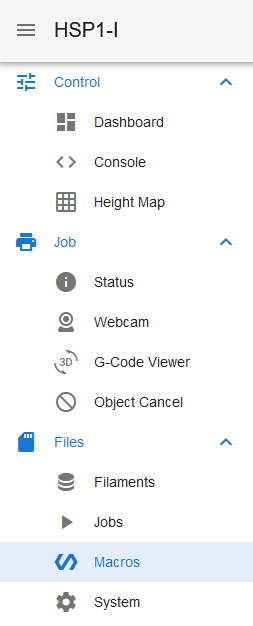
The macro is located in the "Macros" tab, under "Nozzle Change". There is a separate folder for each tool, and a separate macro for each nozzle size. HartSmart Products recommends running cleaning filament through the tool before the swap process. The nozzle change macro will prompt to run cleaning filament through the nozzle automatically.
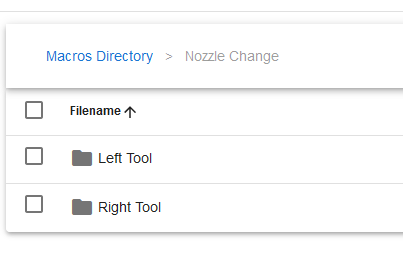
Select the size of nozzle you are switching to under the correct folder. Be sure to have the nozzle torque wrench handy for the swap process.
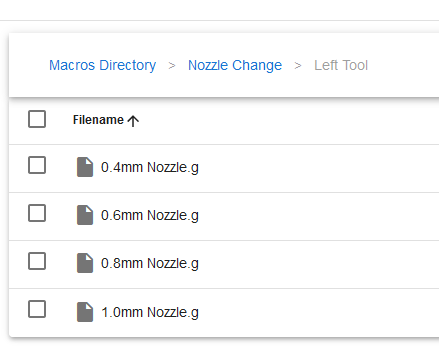
The machine will park the tool and heat it to the swapping temperature. Once it has reached the swap temperature, it will present the tool for swapping. Remove the previous nozzle and ensure the stainless steel heatbreak does not get lost. If the heatbreak comes out with the nozzle, be sure to insert the heatbreak back into the hotend before the nozzle. Tighten the new nozzle using the torque wrench and confirm the swap has completed.
Last updated